


Filters






Be a Part of Our Community
Follow us on social media for the latest updates and inspiration.
How to Choose a TV Stand for a 65-Inch TV
Start with the space you have and the equipment the stand needs to hold. Measure your TV, wall, and media devices, then compare those numbers with each product's dimensions and weight limits. Use the product page as the final source for fit and features.
Check Stand Width and TV Fit
Manufacturers measure a 65-inch screen on the diagonal, and actual TV width varies by model. Measure the full TV width, including the frame. If the TV will sit on the stand, compare its base or feet with the usable top surface and confirm the stand's listed TV-size recommendation and top weight capacity.
Set a Comfortable Viewing Height
Measure from the floor to your seated eye level, then compare that point with the center of the screen. Include the stand height and the TV base in your calculation. For a wall-mounted TV, treat screen position and console height as separate measurements.
Plan Storage and Cable Space
List the soundbar, game console, streaming box, and other devices you plan to store. Compare their dimensions with the shelf and cabinet measurements. Check each product page for cable openings, ventilation guidance, adjustable shelves, and door clearance because these details vary by model.
Compare Style and Fireplace Features
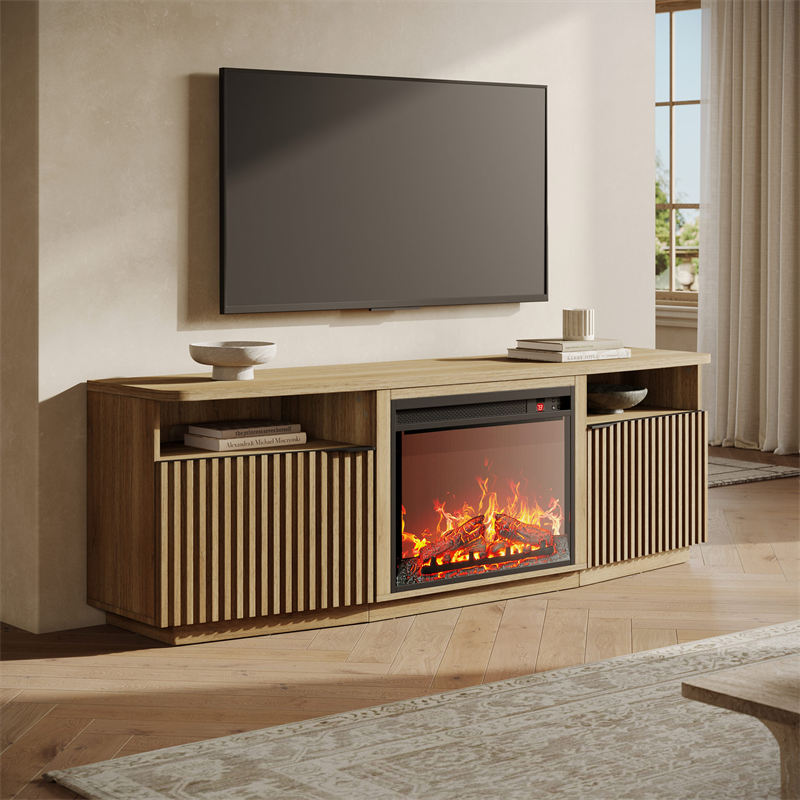
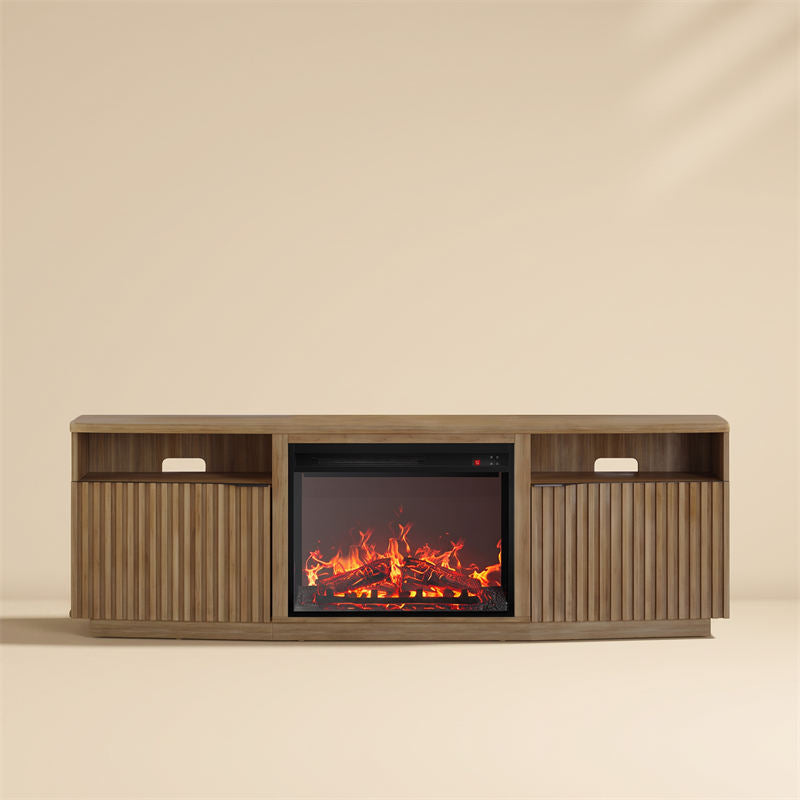
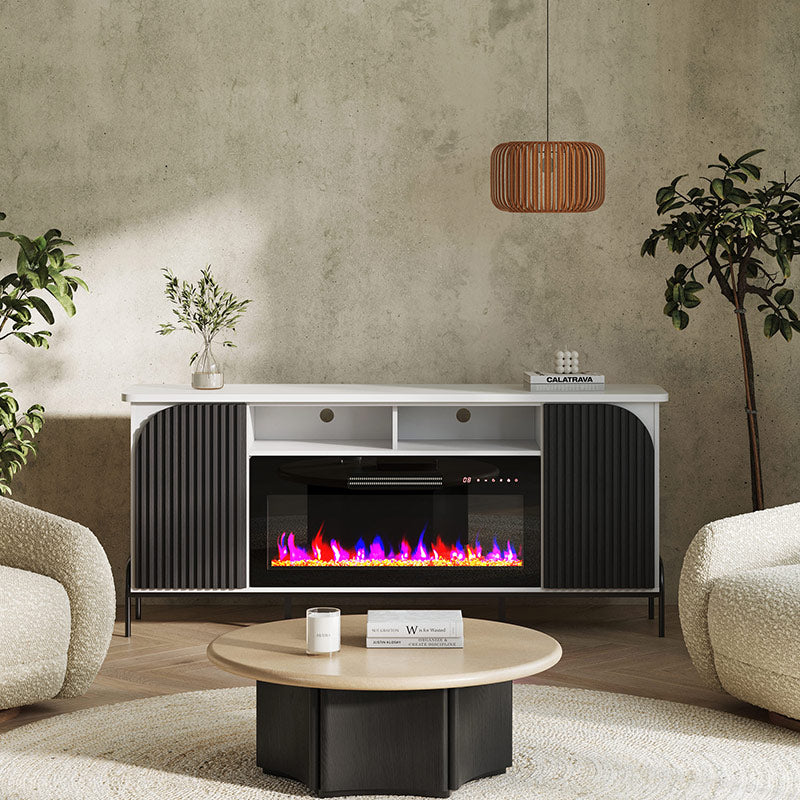
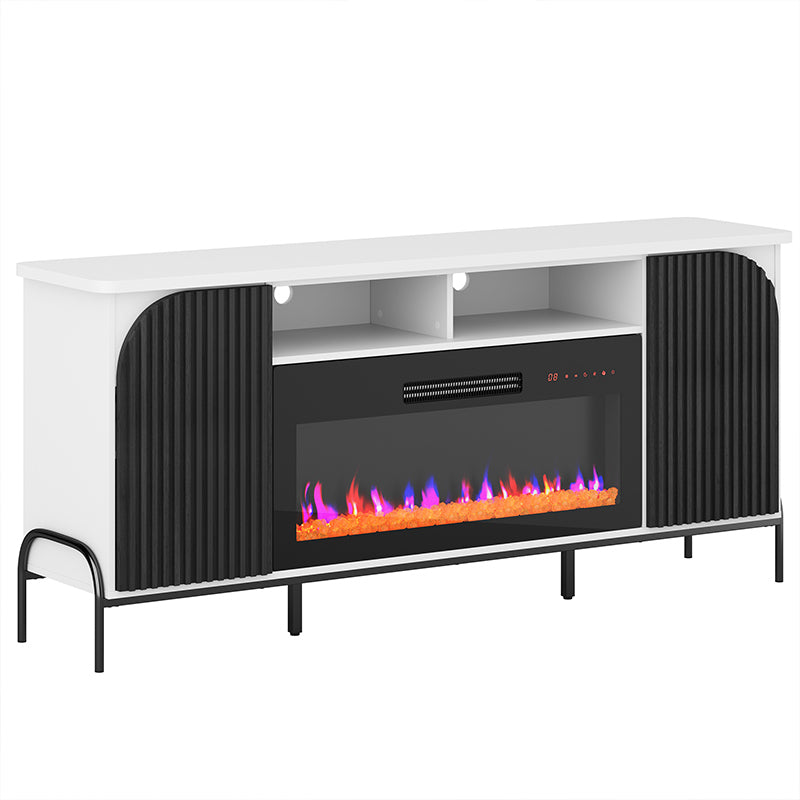
Use the Style, Material, and Color filters to compare modern, farmhouse, rustic, and wood-finish options in the current assortment. If you want a built-in electric fireplace, browse fireplace TV stands and compare the controls, electrical requirements, clearances, and safety instructions for each model.
Complete the Living Room
Add closed storage with a sideboard, or add seating with an accent chair. Measure the walkway and door clearance before adding another piece near the TV area.
FAQ
What Size TV Stand Should I Choose for a 65-Inch TV?
Measure your TV's full width and the spacing between its feet or base. Compare those measurements with the stand's usable top surface, listed TV-size recommendation, and top weight capacity. If the TV will sit on the stand, its base must fit on the surface without overhang.
What Height Should a TV Stand Be for a 65-Inch TV?
Choose a height that places the center of the screen near your seated eye level. Include the stand height and TV base in the calculation. For a wall-mounted TV, treat screen position and console height as separate measurements.
How Do I Check Weight Capacity and Stability?
Use the weight capacity listed on the product page for the stand's top and shelves. Follow the assembly instructions, place the stand on a level surface, and use anti-tip hardware when the product includes or requires it. Check the manual before placing the TV or media equipment.
Will a Soundbar and Media Devices Fit?
Measure the soundbar and each media device, then compare them with the shelf and cabinet dimensions. Check the product page for cable openings, ventilation guidance, adjustable shelves, and door clearance.
Are Fireplace TV Stands Suitable for a 65-Inch TV?
Choose a fireplace model that lists support for your TV size and weight. Review its electrical requirements, clearances, ventilation, heat controls, and safety instructions before ordering. Compare current options in the 65-inch fireplace TV stands collection.
Do You Offer Corner or Built-In Mount TV Stands for 65-Inch TVs?
Belleze lists no dedicated corner stands or stands with built-in TV mounts in the current collection. Belleze may change the assortment, so use the current listings as the inventory reference. A console can sit below a wall-mounted TV after you confirm the screen position, wall space, and stand dimensions.